Fast Ordering
One screen for every way a guest orders.
- Dine-in, takeaway, delivery and drive-thru
- Size, sugar, ice, milk and other options
- Open checks per table
- Split bills, discounts and payments
From the first coffee to the final Z report. A restaurant POS for ordering, kitchen, tables, stock, customers and reports, online or offline, set up and supported by Shajons.
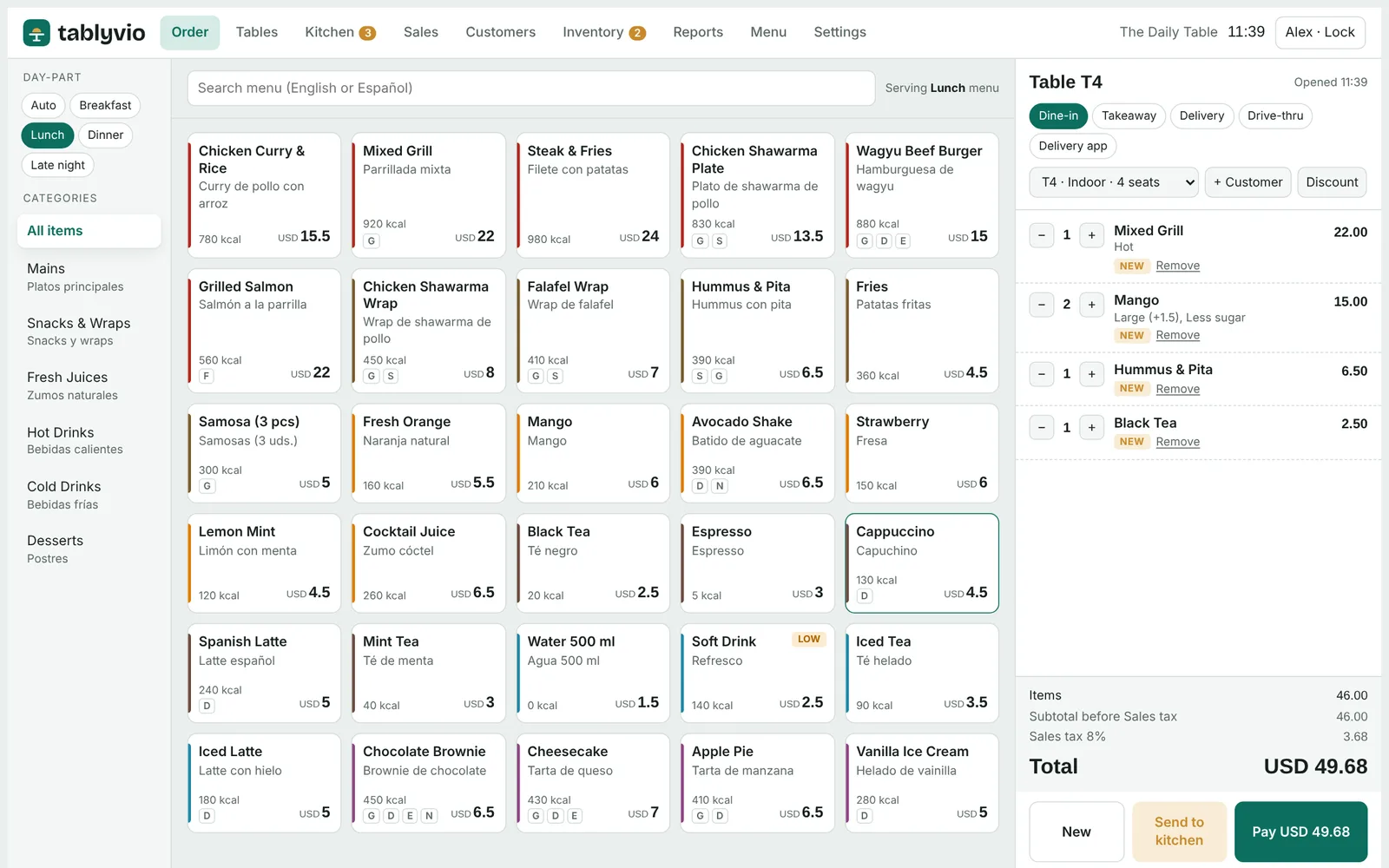
Tablyvio runs the front counter, the floor, the kitchen, the stock room and the back office on a single system.
Six everyday jobs, done well, on one system.
From the front counter and floor to the kitchen, stock room and back office.
One screen for every way a guest orders.
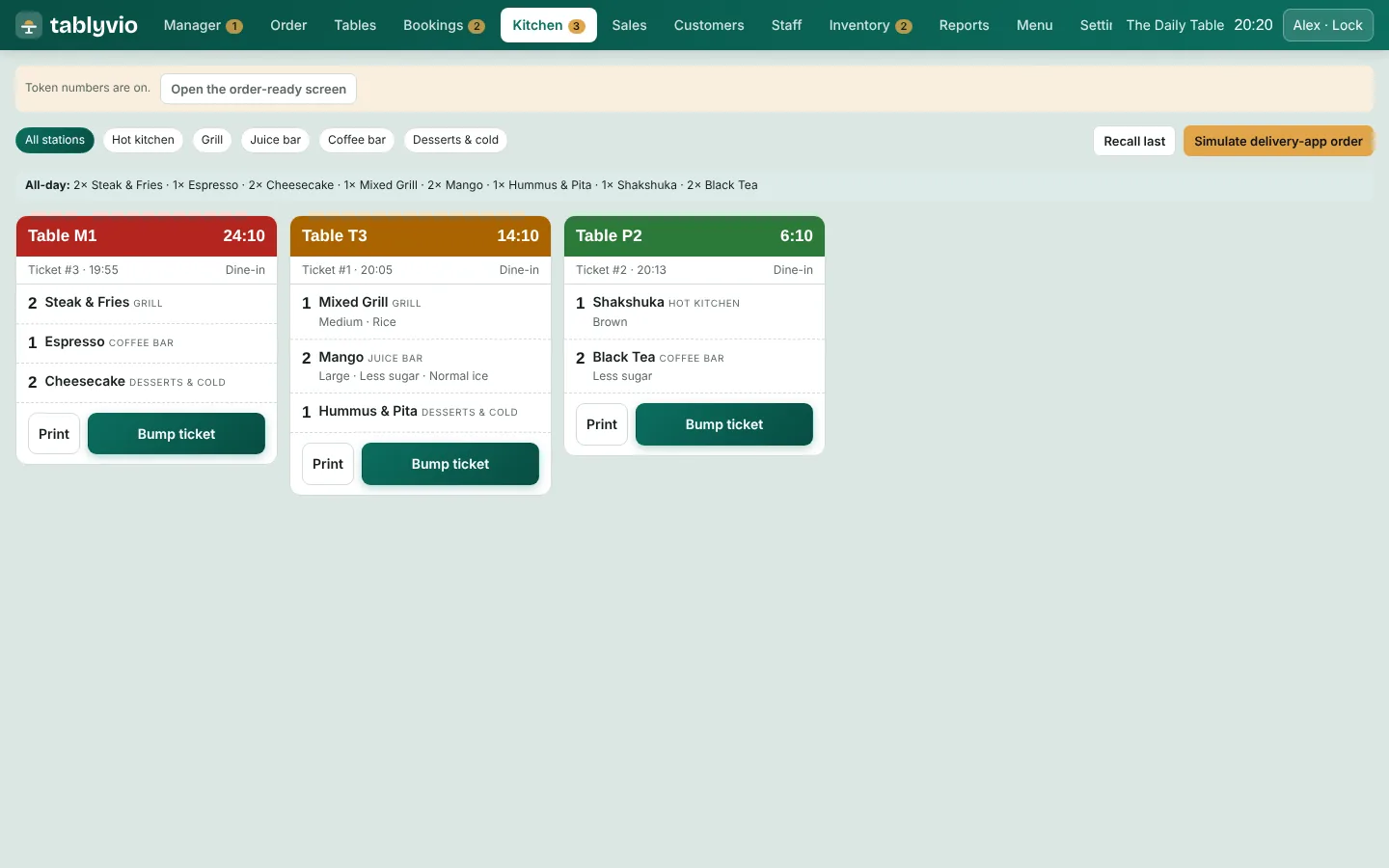
The kitchen sees every order, on time.
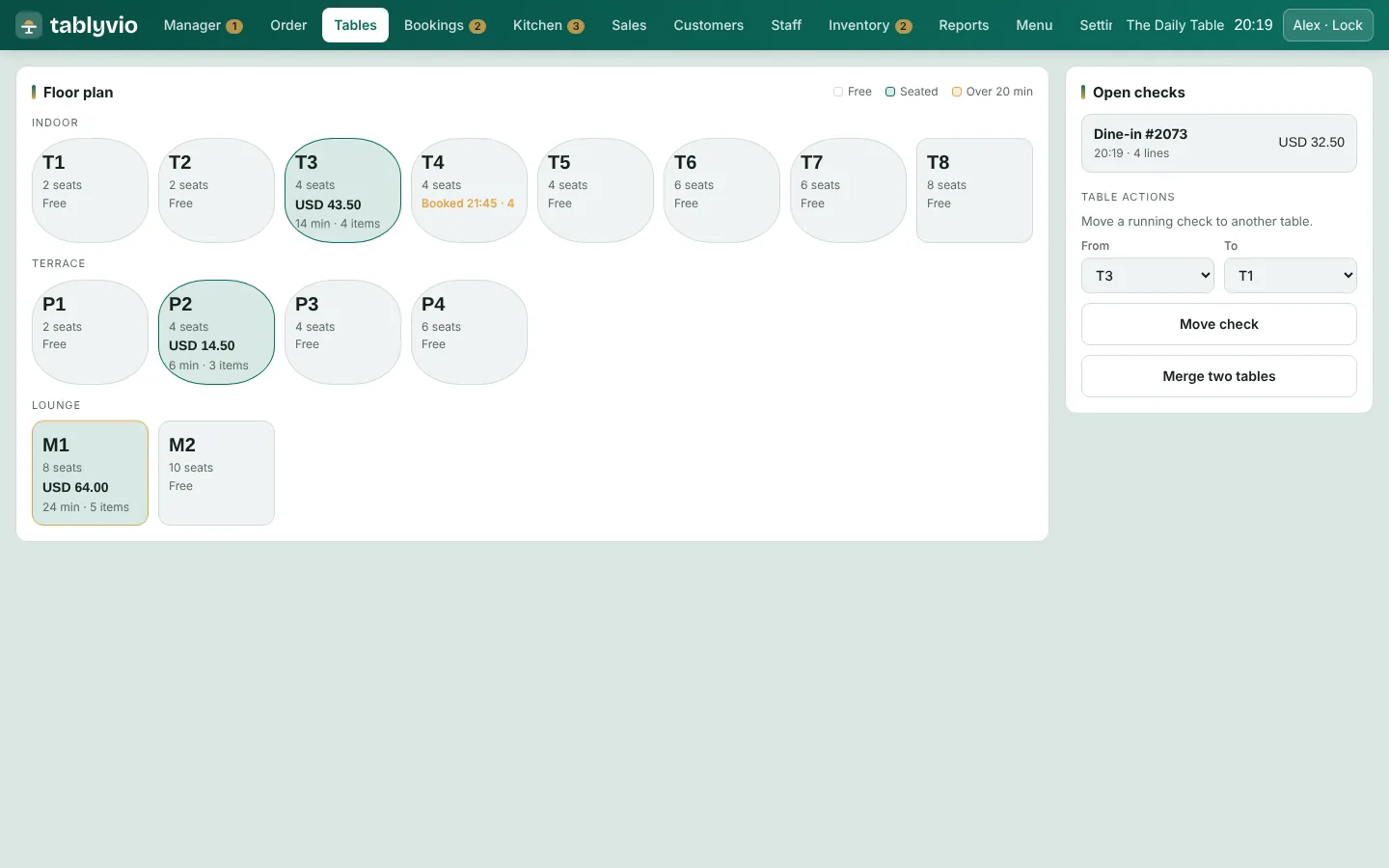
See the whole floor at a glance.
A menu that is easy to keep current.
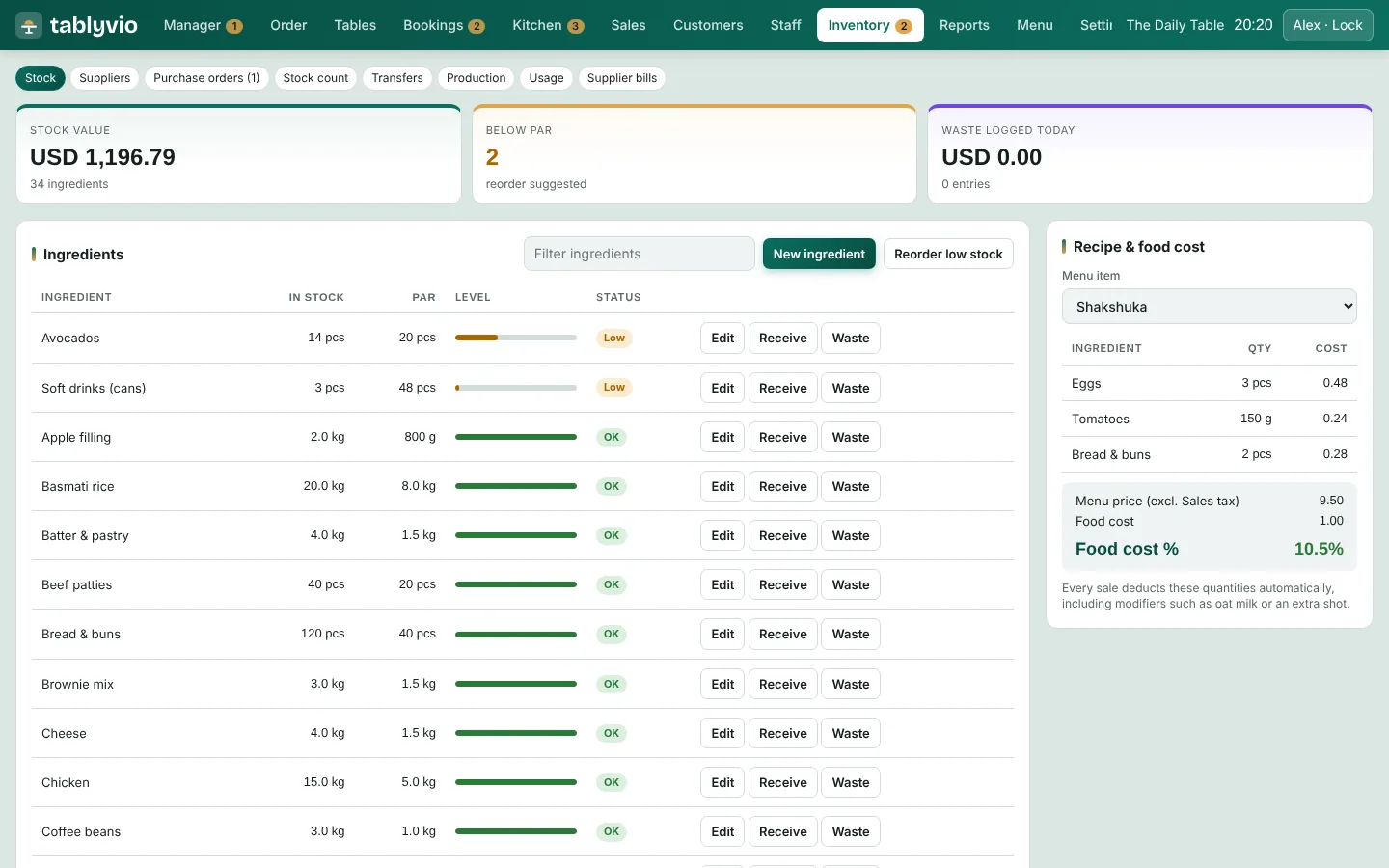
Know what is in stock and what it costs.
Turn first-time guests into regulars.
The numbers, without the spreadsheet.
Set up for the country you operate in.
Always trading, always in sync.
A look at the screens your team will use every day.
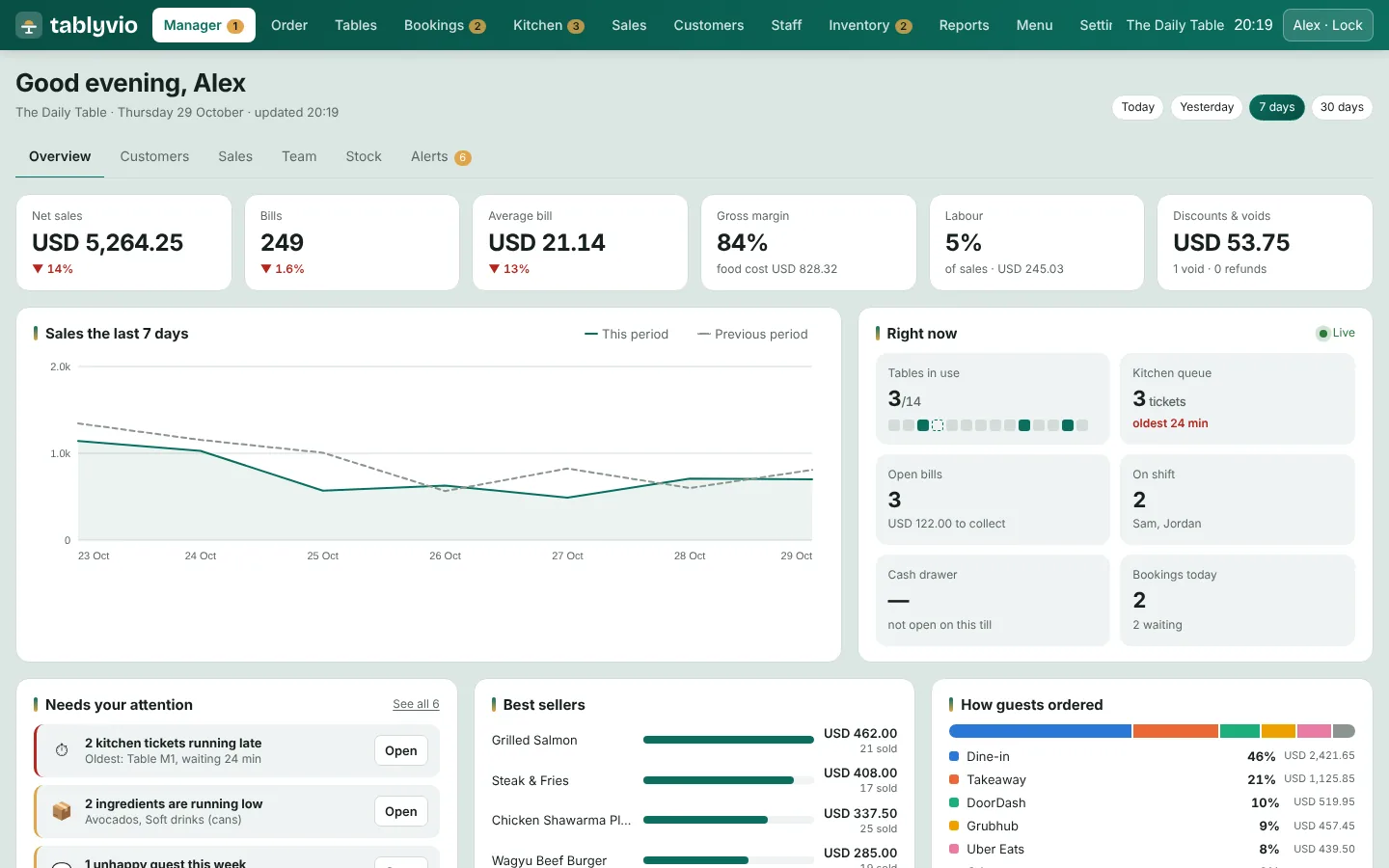
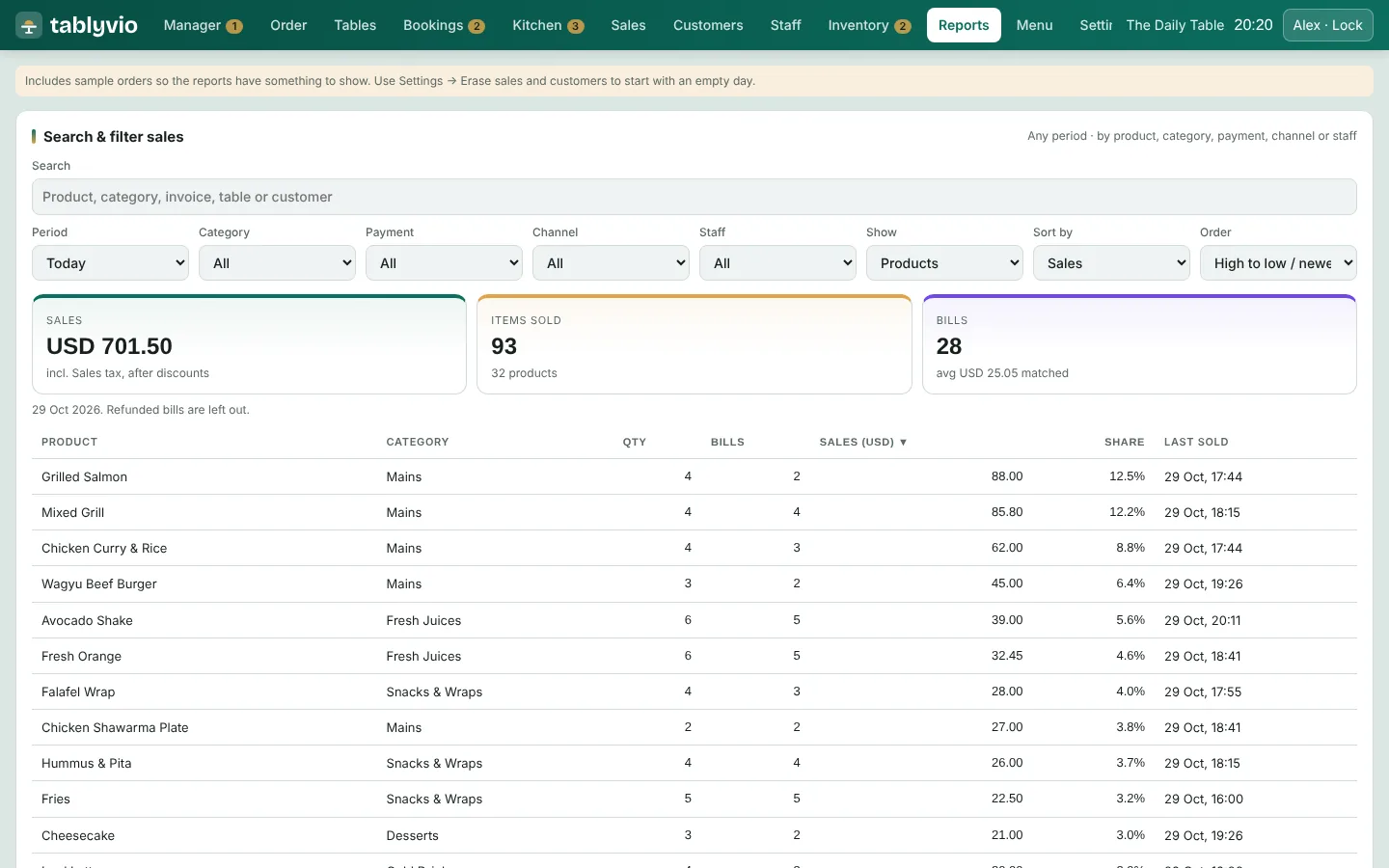
Shajons and the Tablyvio team take you through setup, step by step.
Agree outlets, menus, hardware and tax settings.
Items, options, prices and recipes entered and checked.
Virtual sessions for managers, cashiers and kitchen teams.
Launch day support, then ongoing help.
Yes. The installable version has an offline mode that keeps orders, payments and receipts going, and syncs when the connection returns.
Tablyvio is configured for the country you trade in, covering currency, tax rate, tax-inclusive or added pricing, tax numbers on receipts and credit notes for refunds.
Windows, Mac, Android, iPhone and iPad in Chrome, Edge or Safari, plus an installable app for Windows and Mac. Any 80 mm thermal receipt printer works.
Through card terminals such as Stripe Terminal, Pine Labs and Razorpay POS, payment links from your own Razorpay or Stripe account, and UPI QR codes in India.
We help with the kick-off call, menu setup, hardware advice, staff training and go-live support, as part of our IT Outsourcing service.
Contact us with your outlets and requirements, or visit tablyvio.com, and we will take you through the options.
Tell us about your outlets and we will arrange a walkthrough, menu setup and training.